AI NOC
A NOC that watches your network 24/7 and tells you what to fix — not 2,000 alerts a day.
Motrael is an AI NOC for WISP, rural ISP and MDU operators with 5 to 500 sites and no staffed NOC. It monitors equipment from every vendor, ties alerts into incidents, tells you what broke, where and why — and, once you allow it, handles the routine by itself.
Motrael — AI NOC
The product's former working name was NetPulse AI.

The problem
Small operators drown in alerts, and customers find outages first.
When you are the engineer, the support desk and the on-call shift at once, monitoring that only sends messages doesn't help.
- 01
An alert flood
Zabbix and a Telegram group send hundreds of messages a day. After a week nobody reads them — so the one that mattered goes unnoticed.
- 02
Customers report it first
You learn about an outage at a tower when the calls start. By then subscribers have been offline for half an hour, and support has nothing to tell them.
- 03
Root cause takes hours
MikroTik, Ubiquiti, Cambium, Cisco — each has its own interface and its own logs. Joining the clues from the tower to the core takes hours, usually at night.

What it does
One place that tells you what matters now.
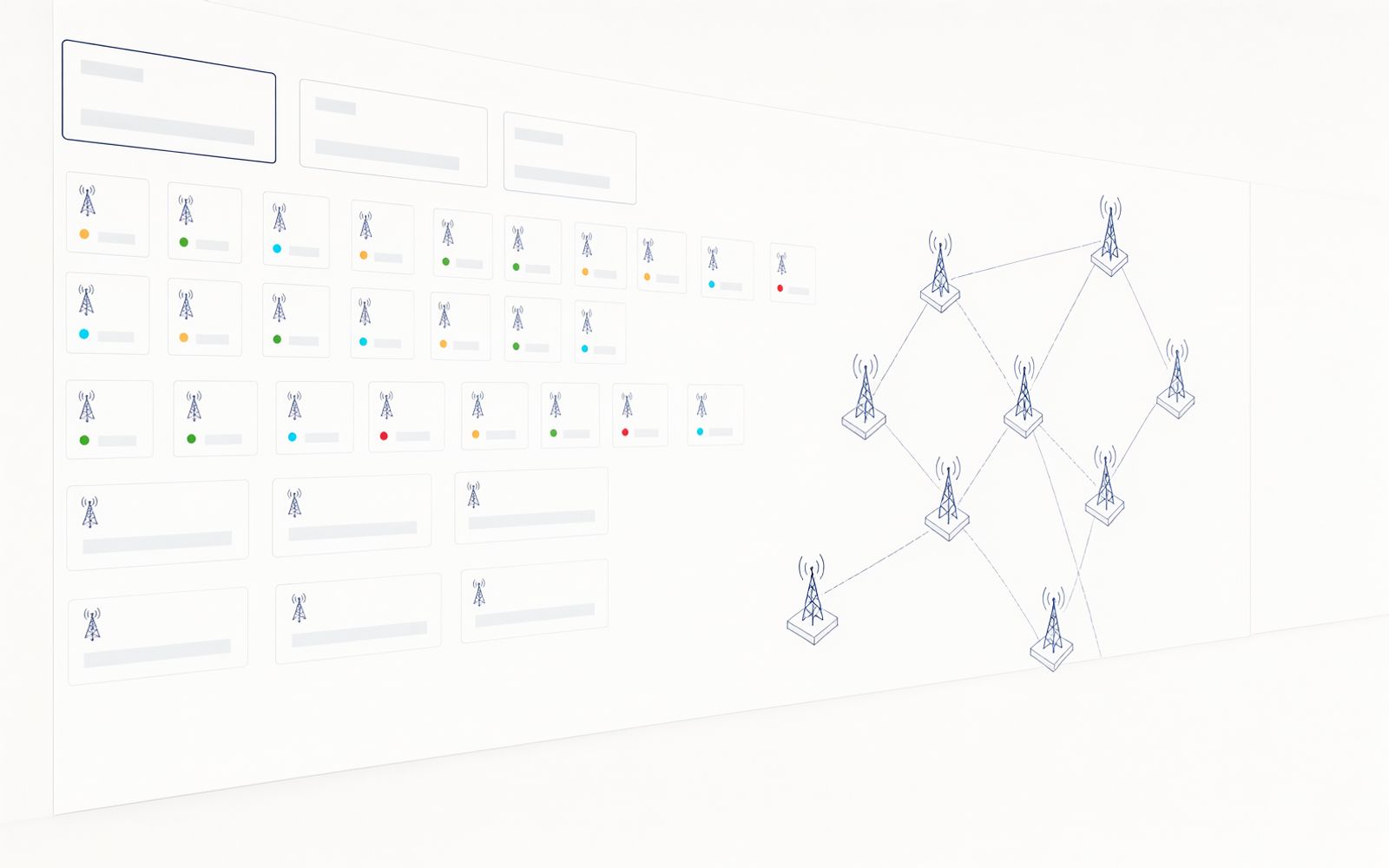
Motrael doesn't replace your equipment or your team. It gathers what the network is already saying, ties it into incidents and turns it into a short list of things to do.
-
Equipment from every vendor
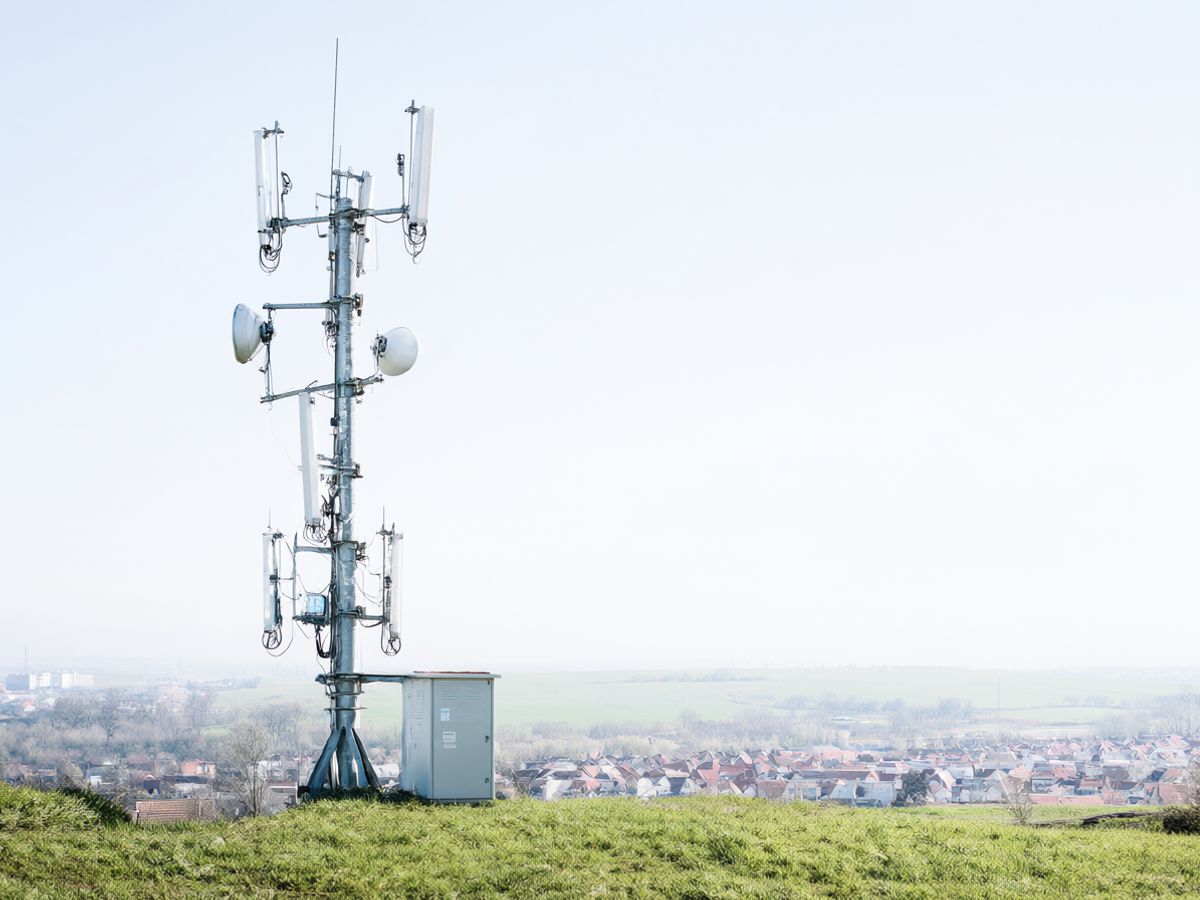
MikroTik, Cisco, Juniper, Ubiquiti, Cambium, Mimosa, Tarana, Ruckus, Edgecore, TP-Link Omada and OpenWiFi, subscriber CPE from any vendor over TR-069, even UPSs and PDUs — in one view, with no changes to your equipment.
- SNMP
- Syslog
- API
- SSH
- gNMI
-
Rules for the routine, AI for the complex
About 90% of events are handled by rules in milliseconds — flapping, thresholds, known patterns. For 5–8%, a language model on the edge node returns a cause and a recommendation in seconds, and the hardest cases go to a larger model in our data centre.
- 230 rules
- Root cause
-
One incident instead of fifty alerts
Related alerts are grouped into one incident, so you see one problem, not fifty symptoms. When the problem stops, it closes the alert itself — without waiting for a recovery message that may never arrive.
- Correlation
- Incidents
-
A warning before the outage
From the last seven days of metrics it predicts when each value will cross its threshold. Every new alert is stamped with the weather at the site, so you see straight away whether a 60 GHz link dropped because of rain.
- Prediction
- Weather
-
Alerts that make sense
Telegram, Slack and email, by severity and with quiet hours. A whole site going down arrives as one message, not a hundred. You can also talk to the AI assistant from a Telegram group.
- Telegram
- Slack
-
Fixes — as far as you allow
For every action you choose whether it runs by itself, waits for your “Approve” in Slack, or only notifies. Automatic fixes stay off until you switch them on one by one, and the hard safety limits cannot be switched off.
- Approval
- Audit
Every feature
Everything Motrael does.
The full list, by area — taken from the product's technical documentation, not from a pitch deck.
Collection
- SNMP, syslog, SSH, REST API and gNMI telemetry — every channel the device supports
- NetFlow — who uses the traffic, towards whom and over which protocol
- Device discovery across your address ranges; new VLANs and addresses on MikroTik routers are added automatically every 15 minutes
- Topology from LLDP/CDP and MAC tables
- Reachability, latency and packet loss for every device
Detection
- 230 equipment rules — thresholds with duration, flap suppression; your own rules survive updates
- Alerts tied together into incidents
- Alerts closed automatically when the problem stops
- Threshold crossings predicted from the last 7 days of metrics
- Channel overlap between access points across the whole network
- The weather at the site attached to every new alert
AI
- A cause, a recommendation and a confidence level for every incident
- An AI assistant that answers from your network's real data, not from guesses
- 48 read-only tools — subscriber diagnosis, AP health, “show” commands, STP root; the assistant looks, it doesn't change
- Only event summaries go to the data centre, and sensitive data is anonymised before it leaves
Automation
- Commands and port actions (shut, VLAN, speed) — the right CLI for every vendor
- Bulk configuration from templates, with a dry run and at most 5 devices at a time
- Configuration backups with versions and diffs
- Scheduled jobs, firmware version checks and upgrades
- TDR cable tests, wireless link tests, PoE draw and power per port
- Serial console (Digi, Opengear) in the browser
Subscribers
- An experience score of 0–100 for every subscriber, refreshed every minute, with a worst-first list
- Packet loss and latency per subscriber, tied to the access point they use
- Every wireless client from every AP and CPE in one place
- SLA tiers from 99.00% to 99.99%, with a compliance report
- Revenue impact of an outage — subscribers affected × hourly rate
MDU buildings
- A per-building view — occupancy, active units, equipment health
- One-step unit activation — port, VLAN and subscriber
- A VLAN per unit for a whole building, from a CSV file
- A link to your property management platform (buildings, units, residents)
Network tools
- Routing tables, OSPF and BGP neighbours and ARP from every device
- A check that the internet sees what you announce
- OSPF topology with “what if” analysis; STP root and tree per VLAN
- Search by MAC, IP or hostname — device, port and VLAN
- DHCP leases and firewall/NAT rules in one place
- Speed tests between sites, with bufferbloat measurement
- 60 GHz spectrum view for Ubiquiti Wave
Security and fleet
- Users and roles; device passwords encrypted at rest
- Every operator change recorded permanently
- The service restarts itself if it stops responding
- A fleet view of every site with an attention score and PDF reports
- After a link outage the data centre fetches whatever wasn't delivered
How it is deployed
An edge node in your network, the AI in our data centre in Serbia.
No big project and no changes to your existing equipment. Data travels only through an encrypted tunnel.
Towers and sites
Equipment from every vendor
Edge node
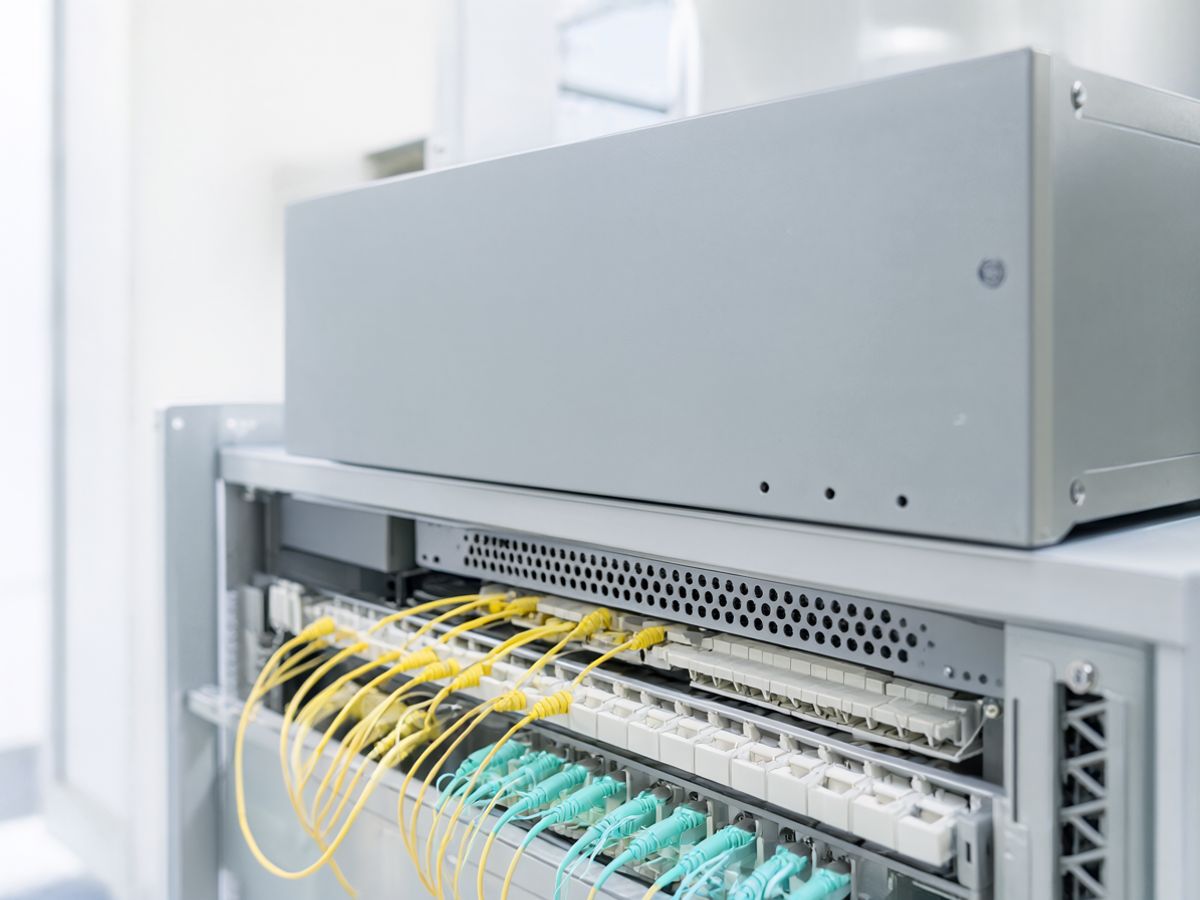
A small GPU appliance in your core or per region
AI tier
Separate for every operator
Slack · Telegram · dashboard
Incidents with a cause
-
An edge node in your network
We install a small GPU appliance (NVIDIA Jetson) in your core, or one per region. It collects data, applies the rules and runs a language model for quick analysis — right there, on site.
-
The AI tier in Serbia, for the hardest cases
New and complex patterns, and learning across sites, are handled by a larger model in our data centre in Serbia. If the link is down, the edge node carries on alone.
-
Raw data stays with you
Only event summaries go to the data centre, and sensitive data is anonymised before it leaves. Every operator's data is kept separate and is not used to train models for anyone else.
-
The whole system on site, for large networks
For large networks the AI tier can run on your hardware too. For smaller operators the standard model costs less.
Who it is for
For operators without a staffed NOC.
Motrael is built for a certain size of network and team. Better to say so up front.
It is for you if
- you are a WISP, rural ISP or MDU operator with 5 to 500 sites
- you have no 24/7 NOC team — someone on the team is on call alongside their own work
- you run equipment from several vendors and several monitoring tools
- you still hear about outages from customers first
It is not for you if
- you are a large carrier with your own OSS/BSS teams and a 24/7 NOC
- you are looking for a billing system or a CRM
- you have one site and a handful of devices — plain monitoring is enough there
Track record
Built by an operator, for operators.
We didn't design Motrael for a slide deck. It runs in production on our own networks — every alert it doesn't send you, it first didn't send us.
- The rules came from real outages at towers, not from a manual
- The supported vendors are equipment we maintain every day
- New versions run on our network first, then on yours
Pricing model
A monthly subscription, no large upfront licence.
You pay while you use it, sized to your network.
-
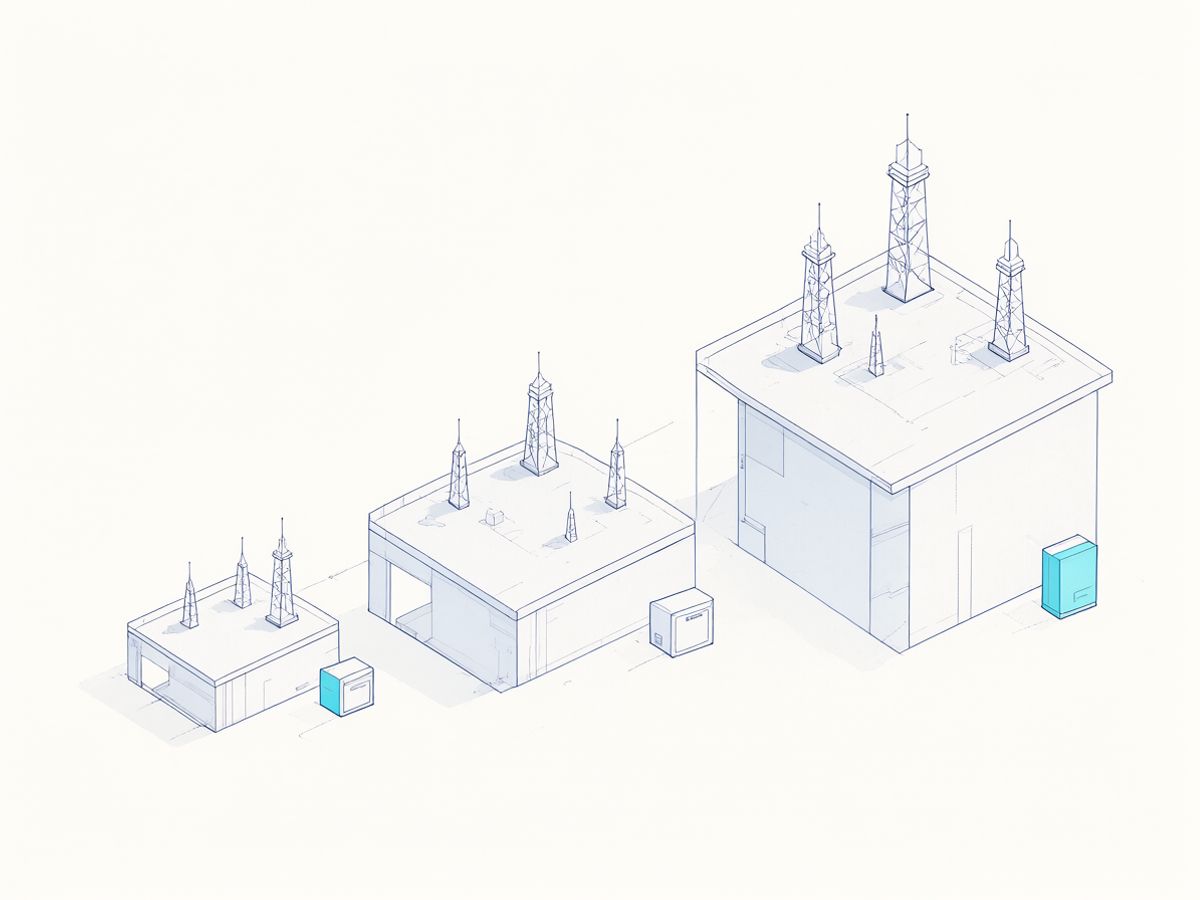
Tiers by sites and devices
The subscription depends on the number of sites and devices, in tiers. When the network grows, you move up a tier.
-
Hardware included or rented
The edge node is included in the subscription or rented — you don't buy expensive equipment up front.
-
No large licence
No large one-time licence and no long contract before you see results.
We quote for your network after a short call about the number of sites and the equipment.
Questions
Frequently asked questions
Which vendors does it support?
MikroTik, Cisco (NCS 540, Catalyst, SG), Juniper (MX, QFX), Ubiquiti (airMAX, Wave 60 GHz), Cambium (PMP 450, cnPilot), Mimosa, Tarana, Ruckus (ICX, SmartZone), Edgecore, TP-Link Omada and OpenWiFi, APC UPSs and CyberPower PDUs, plus subscriber CPE from any vendor over TR-069. If you run something else, ask — we can monitor most equipment over SNMP and syslog.
What if the tunnel drops?
The edge node carries on alone — it collects data, applies the rules and analyses incidents with its own language model, and your alerts keep arriving as usual. When the link is back, the data centre fetches whatever wasn't delivered in the meantime.
Where is the data?
Data from your equipment reaches the edge node in your network and stays there. Only event summaries go to our data centre in Serbia, with sensitive data anonymised. Every operator's data is kept separate and never mixed with anyone else's.
Does it change configuration without asking?
Only if you explicitly allow it. For every action you choose whether it runs by itself, waits for your approval or only notifies. Automatic fixes stay off until you switch them on, the hard safety limits cannot be switched off, and every change is recorded permanently.
Can it replace Zabbix?
Yes. Motrael collects data straight from the equipment — SNMP, syslog, API, SSH — so it doesn't need Zabbix. If you like, Zabbix can run alongside it until you're convinced.
How long does deployment take?
On first start a setup wizard finds the devices in your address ranges by itself and adds new ones as they appear. How long it takes to tune the rules to your network depends on the number of sites and the equipment — you get an exact plan with the quote.
Can we self-host it?
Yes, for large networks — the whole system, including the AI tier, can run on your hardware. For smaller operators the standard model costs less, because there is no AI hardware to buy and maintain.
See Motrael on a network like yours.
The demo takes 30 minutes. We'll show you what the morning after an outage looks like — with Motrael and without it.