Private AI

Your AI assistant that never leaves your private network — no document goes to a foreign cloud.

It works like ChatGPT, but it answers from your documents and never sends them anywhere. The AI runs in our data centre in Serbia; at your office we install only a small router that builds an encrypted link. No server to buy or maintain — your team uses it from a browser and by dictation.

For: Clinics and practicesLaw firmsAccounting firms

The pilot is free, for two users, with your real documents. No obligation to continue.

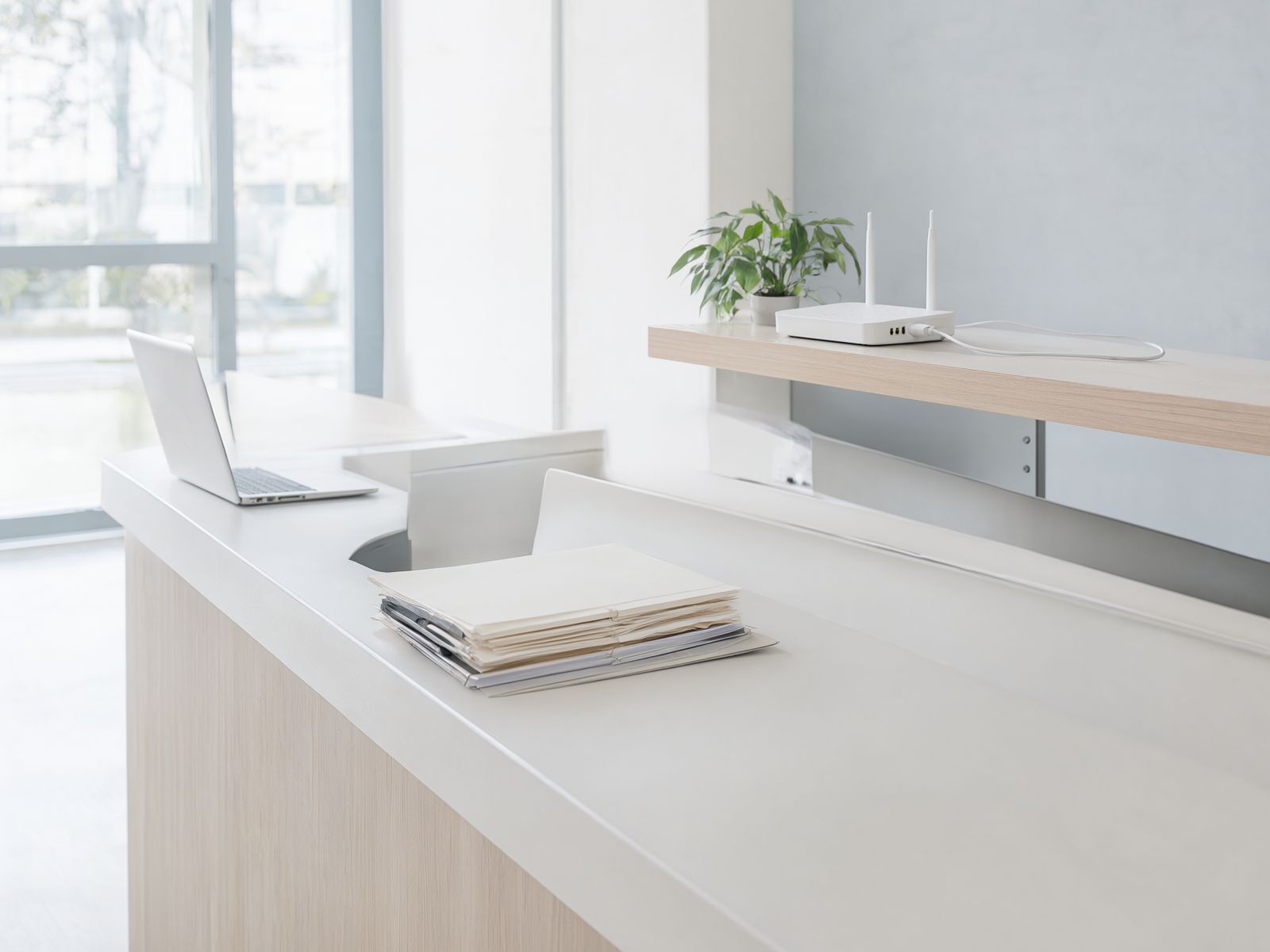
A bright clinic reception with a small white router on the shelf behind the desk

What it is

An AI assistant like ChatGPT — in your private AI environment, not in someone else's cloud.

Private AI is an assistant you talk to the way you would talk to ChatGPT. Ask a question in plain words and get an answer, a first draft or a summary. The difference is where it runs — in your own private environment in our data centre in Serbia, kept separate from every other client.

It reaches you through a small router we install in your office. The router builds an encrypted link to our data centre, so your team's computers and phones reach the assistant privately — nothing travels over the public internet unencrypted. On your computers we install only the dictation app, if that.

The assistant answers only from your documents. Every answer shows the document and the passage it comes from, and if the answer isn't there, it says so. Nothing is sent to US clouds and nothing is used to train anyone's models.

Your office

Your team

Computers and phones

Small router

Installed by us

Our data centre in Serbia

Your AI assistant

Separate from other clients

Your documents

Encrypted and backed up

Foreign clouds (US)

Between your office and our data centre in Serbia, data travels only through the encrypted link. There is no connection to foreign AI services.

Your documents

It answers only from your documents.

You give the assistant your documents — reports, contracts, letters, invoices. They stay in your private AI environment, and the assistant has them to hand like a colleague who has read your whole archive.

When you ask something, the assistant reads what your documents say about it and answers in plain words. Every answer shows which document and which passage it comes from, so you can open the original with one click and check for yourself.

If the answer is not in your documents, the assistant says so — instead of inventing something that merely sounds convincing.

The assistant never changes or deletes your documents — it only reads them.

What it looks like

Clinic

Question: What did we prescribe this patient last year?

Answer: Twice: on 12 March 2025 amlodipine 5 mg once daily, and on 9 October 2025, after a follow-up blood pressure reading, the dose was raised to 10 mg.

Sources

  • Report — follow-up visit 12 Mar 2025, section “Therapy”
  • Report — follow-up visit 9 Oct 2025, section “Therapy”
Law firm

Question: Did we ever agree a non-compete clause with company X?

Answer: Yes, once. The 2022 business cooperation agreement with company X says: “For two years after this agreement ends, neither party will work directly with the other party's clients.” The 2023 annex did not change that clause.

Sources

  • Business cooperation agreement — company X 2022, Article 14(2)
  • Annex 1 to the agreement — company X 2023, Article 1
Accounting firm

Question: What discount does our contract with supplier Z give us?

Answer: There is no contract with supplier Z in your documents, so I can't say what the discount is. If the contract exists only on paper, it can be scanned and added.

Not in your documents — the assistant says so

Who it is for

For offices where confidentiality is part of the job.

Three professions, one problem — a lot of paperwork, little time, and data that must not leave the building.

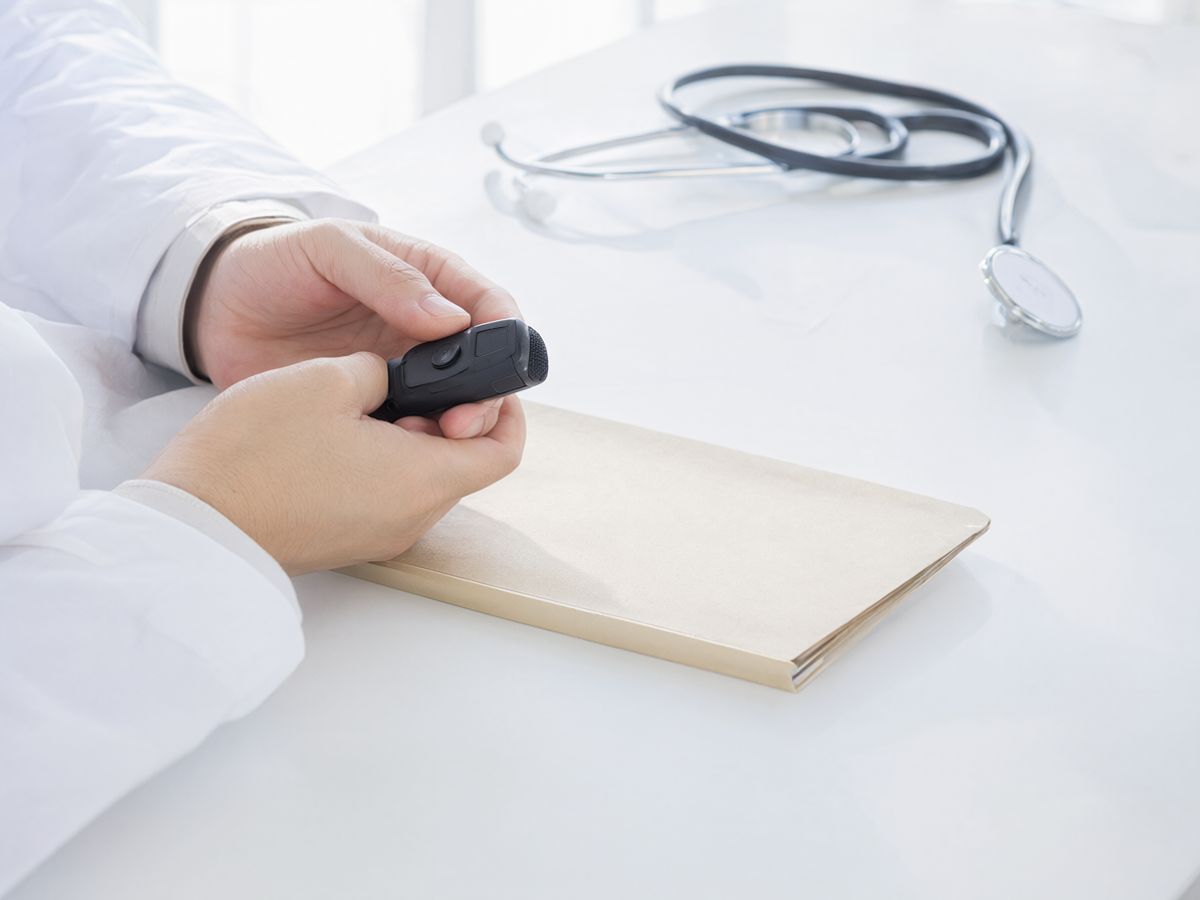
A doctor's hands in white coat sleeves holding a handheld dictation microphone above a patient folder

Clinics and practices

The doctor dictates. The report writes itself.

Less typing, more time with the patient. The doctor always reviews and signs the report.

  • Dictated reports

    The doctor speaks, and the system writes a structured report in your clinic's template — history, findings, diagnosis, treatment — with suggested ICD-10 codes.

  • Patient history

    “When did this patient last have high blood pressure, and what was prescribed?” — an answer drawn from every earlier report, with dates and sources.

  • Referrals and discharge letters

    A short summary of a long referral or hospital discharge letter, with diagnoses, medication and recommendations pulled out.

A law-office desk with stacks of contracts and case files

Law firms

Ask the whole archive. Get the answer with the document and article.

Every answer shows the exact document and article, so a lawyer can check it with one click.

  • Questions across case files and contracts

    “What is the notice period in our contract with client X?” — an answer with a citation: document, article, page.

  • Contracts that expire

    A list of every contract expiring in a given year, with the parties, expiry date and renewal terms.

  • First drafts

    A first draft of a demand letter, power of attorney, claim or contract from your firm's own templates — the lawyer edits and signs it.

A bright accounting office with shelves of box files

Accounting firms

Years of invoices and correspondence, searchable in seconds.

Everything you have ever received from a client or sent to one, one question away.

  • Find anything

    “Find supplier Y's invoice for the March 2023 service.” — search across invoices, contracts and correspondence from many years.

  • Letters to clients

    A first draft of a letter about a regulation change, a filing deadline or an overdue balance, in your style and template.

  • Questions across contracts

    “Which clients have payroll in their contract?” — a list of clients with a quote from each contract.

How it works

Four steps, no server in your office.

You keep working the way you do now. We set up the link, run the system and keep the backups.

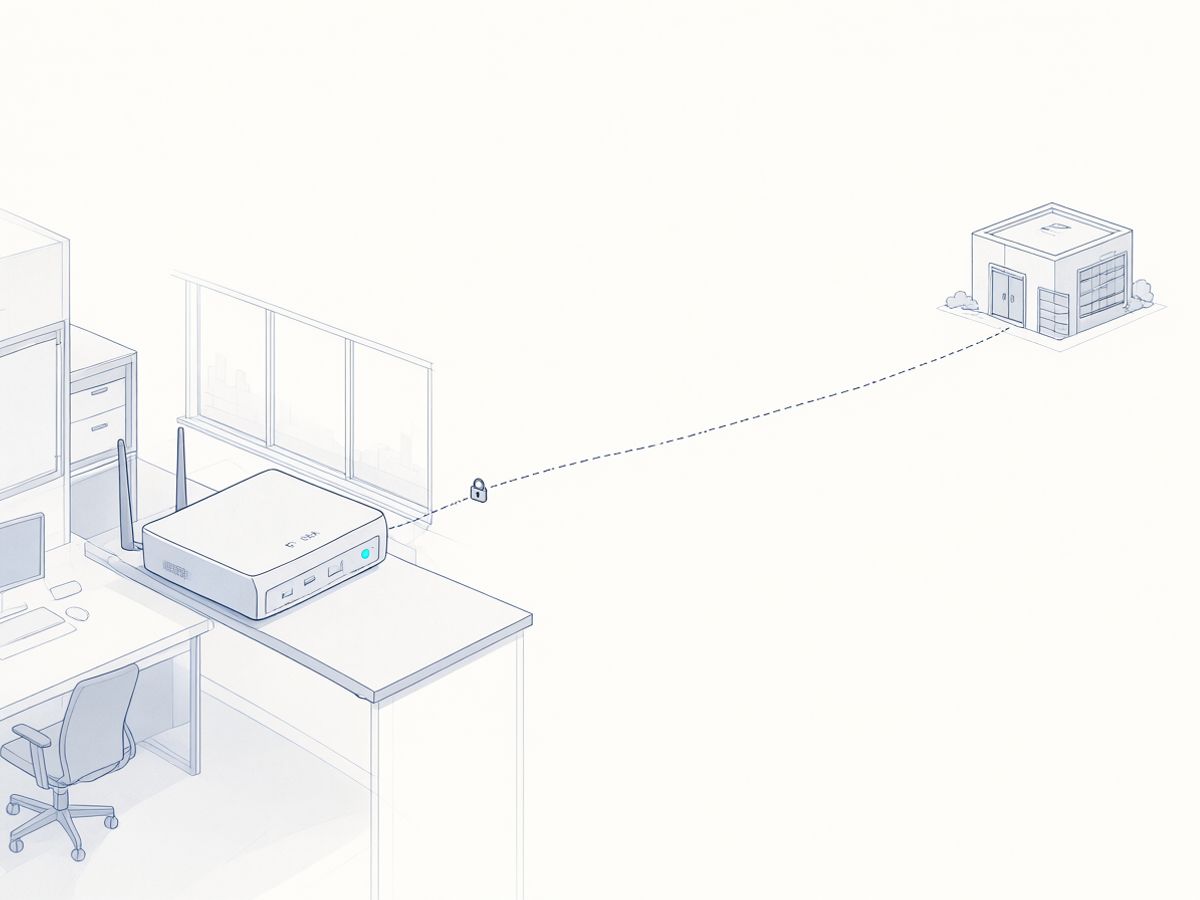
  1. Illustration of a small router on an office shelf linked by a dashed line with a padlock to a distant data centre
    01

    We install a small router

    We come to your office, plug in a small router and connect it to our data centre in Serbia over an encrypted link. It takes about an hour.

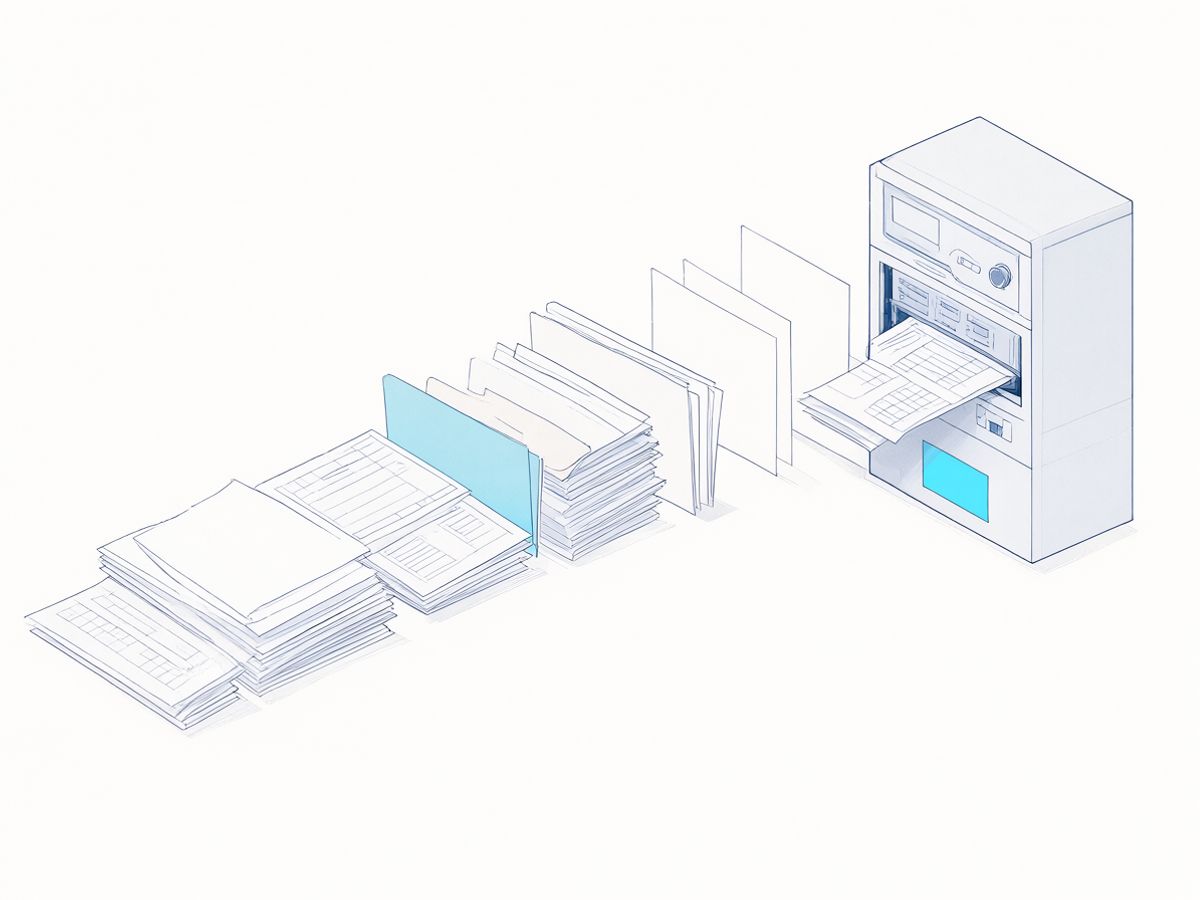
  2. Illustration of documents and templates being loaded into a server
    02

    We load your documents and templates

    We bring the documents, reports and templates you choose into your private environment, and scan the paper archive. The assistant answers from them and shows the source with every answer.

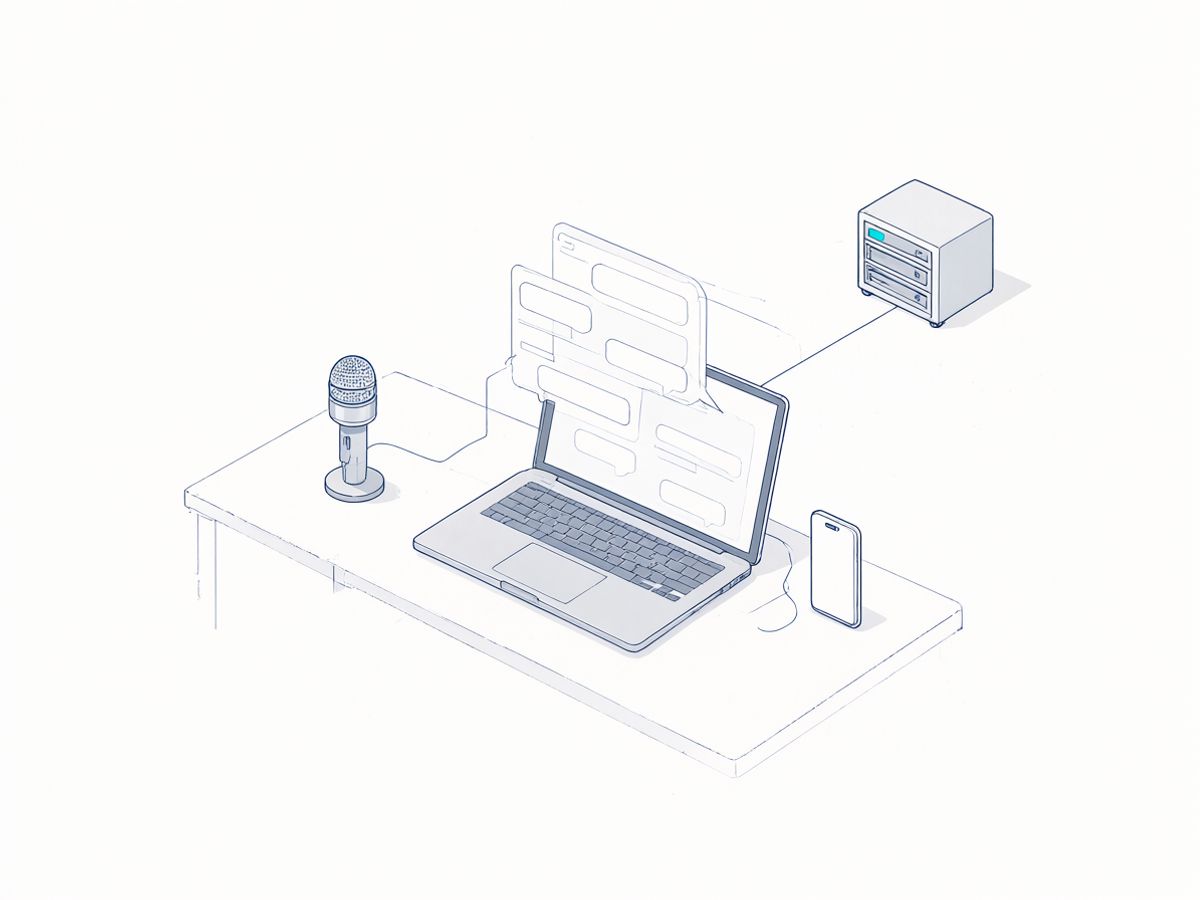
  3. Illustration of a laptop with a chat window
    03

    Your team uses it

    Through a chat app in the browser and by dictation from a computer or phone. Half an hour of training is enough to start.

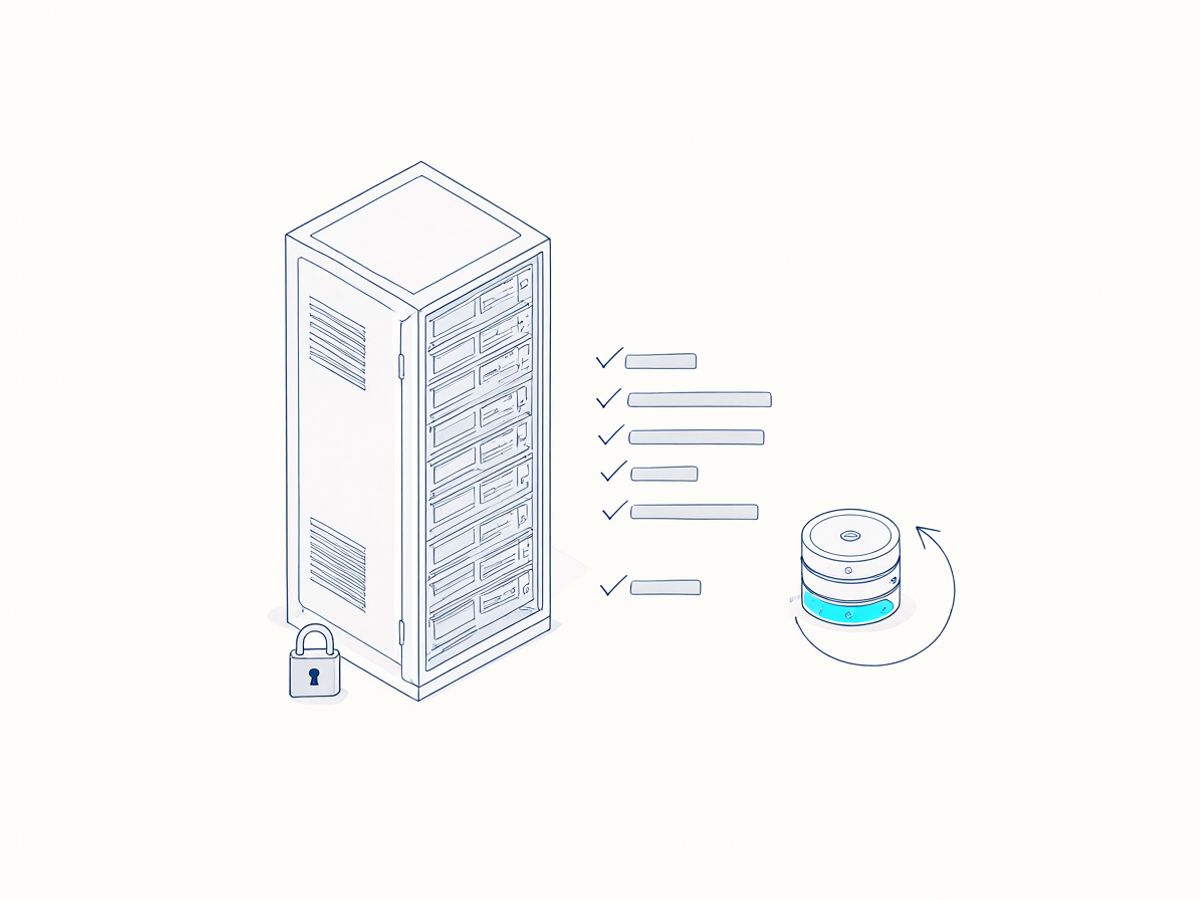
  4. Illustration of a locked data-centre rack
    04

    We log it and back it up

    Every access is logged, and we keep encrypted backups in Serbia. Updates and monitoring are our job, not yours.

Paper records

What about paper records?

Most clinics and offices have cabinets full of paper. You don't have to retype any of it.

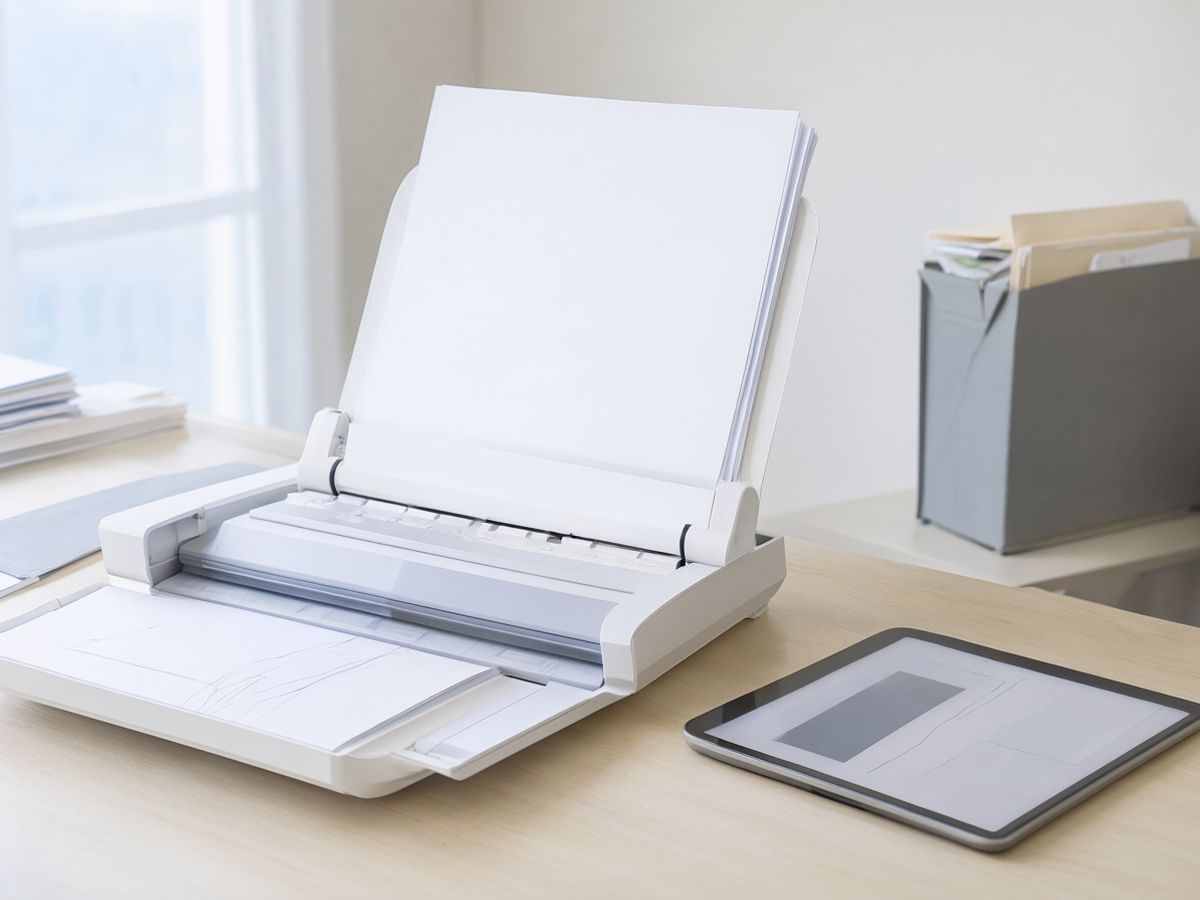
A desktop document scanner with a stack of paper in the feeder
  1. From day one, the paper pile stops growing

    Everything new is created digitally — you dictate, and the system writes the text. The paper pile stops growing from day one.

  2. We scan the archive, we don't retype it

    A document scanner with an automatic feeder handles 40–60 pages a minute. We can bring our own scanner and do it as a service, or install one at your office so your staff can scan during normal work.

  3. Print almost exactly, handwriting approximately

    Printed and typed documents are recognised with very high accuracy. Handwritten notes are read by a vision AI model on our hardware, but only approximately — and we say so plainly: handwriting is searchable “roughly”. That is why the scanned image always sits next to the text, so you can check the original.

  4. We start with what matters

    Active patients and active cases first, and the last two to three years. Older records on request.

  5. A one-time service, separate from the subscription

    Scanning and import are a one-time service, priced per page or per box of documents, separate from the monthly subscription. We quote once we see how much archive you have.

Why our data centre

No server to buy, cool or maintain.

For a small practice or office, an AI server of your own is expensive and demanding. So we run the AI in Serbia, and it reaches you over an encrypted link.

  • Nothing to buy

    No expensive server, no graphics card, no noisy machine in a cupboard. All you have is a small router.

  • Nothing to maintain

    Updates, backups, monitoring and cooling are our job. If something needs attention, we see it before you do.

  • One monthly subscription

    It covers everything — the router, your AI environment, backups, updates and support. No surprise costs.

  • Data stays in Serbia

    Your environment sits in a data centre in Serbia, separate from other clients. It never goes to US clouds and is never used for training.

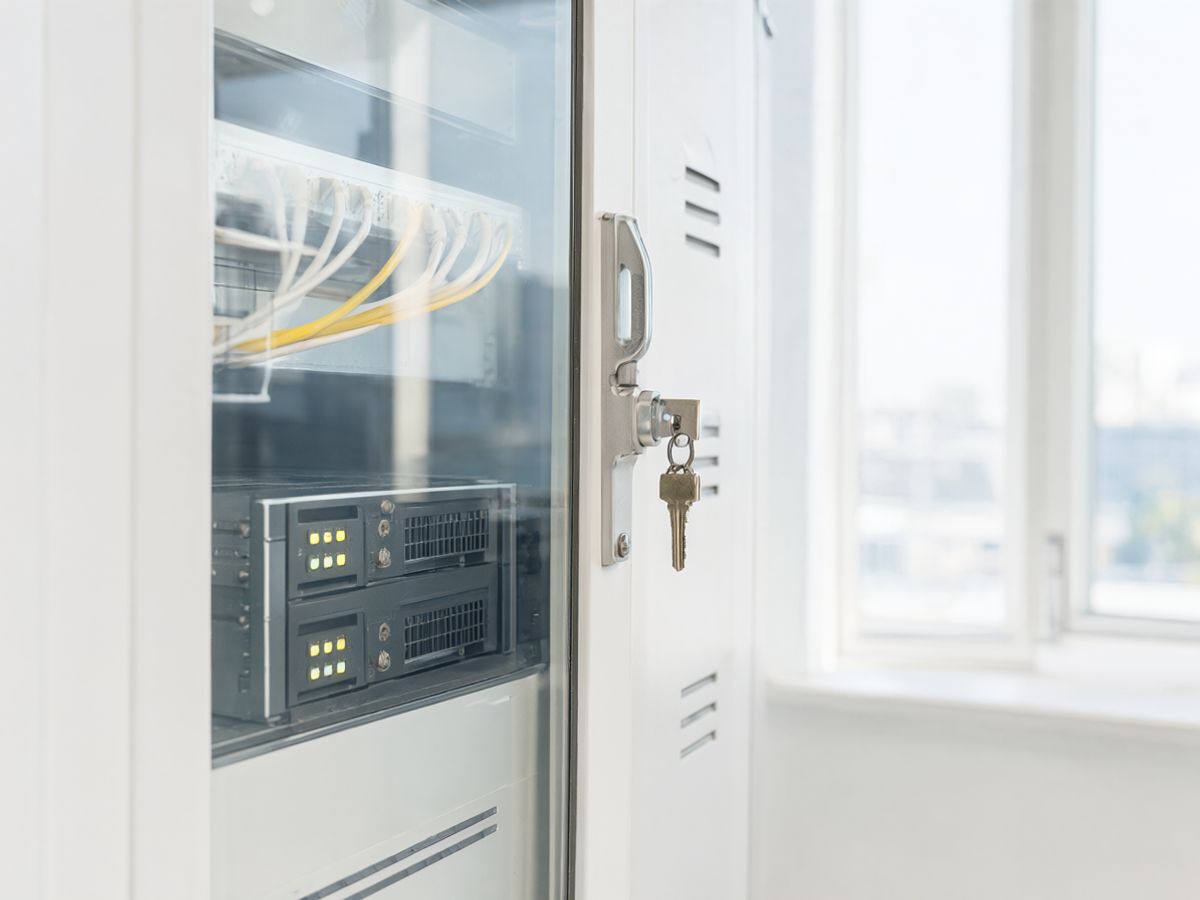
A locked glass-door server cabinet with a key in the lock

Enterprise / on-prem option

For large organisations — AI physically inside your building.

For hospitals, clinic chains, law firms with many lawyers and companies with a strict internal policy, we also offer a server that sits physically on your premises. The hardware is a one-time cost, plus a monthly subscription for maintenance.

  • A server in your own server room, on your network
  • One-time hardware cost, sized to your organisation
  • The same assistant, maintenance and support

For a small clinic or law office this option doesn't make financial sense — the standard model costs less and is just as private.

Why not ChatGPT

ChatGPT is a great tool. It just wasn't built for your confidential documents.

An honest comparison. For general questions, public AI services are perfectly fine — the difference shows once patient and client data is involved.

ChatGPT is a great tool. It just wasn't built for your confidential documents.
Question Private AI ChatGPT and similar public services
Where the answers come from Only from your documents. Every answer shows the document and the passage it comes from, and if the answer isn't there, the assistant says so. From general knowledge. They don't know your documents until you upload them to their cloud, and an answer can sound convincing even when it is made up.
Where the data lives In our data centre in Serbia, in an environment that is yours alone — or in your building, on the enterprise option. On the provider's servers, mostly in the US. EU storage is offered only on some business plans.
Who can read it Only the users you approve. Our team only for maintenance, under a data processing agreement, with every access logged. The provider and its subprocessors, under their terms of use.
Training on your data Never. On free and personal accounts, conversations may be used for training unless you opt out. Business plans generally don't.
GDPR / Serbian data protection law (ZZPL) Data stays in Serbia, so there is no transfer to third countries. We sign a data processing agreement with you. Transfers to the US need a separate legal basis and an agreement with the provider. Health data makes this especially sensitive.
Audit log Every question and every access is logged, and you get the log on request. Limited; more detail only on higher-priced business plans.
When the internet is down The assistant is unavailable until the link is back; dictation is kept on the device and syncs when it returns. The enterprise option works offline. Unavailable.
Price A fixed monthly subscription that covers everything, agreed in advance. Per user per month, in dollars, on a price list the provider can change.

Public-service details reflect their general terms as of October 2026 and vary by plan and provider.

Security and compliance

Security, explained without jargon.

What we actually do so that your data stays yours.

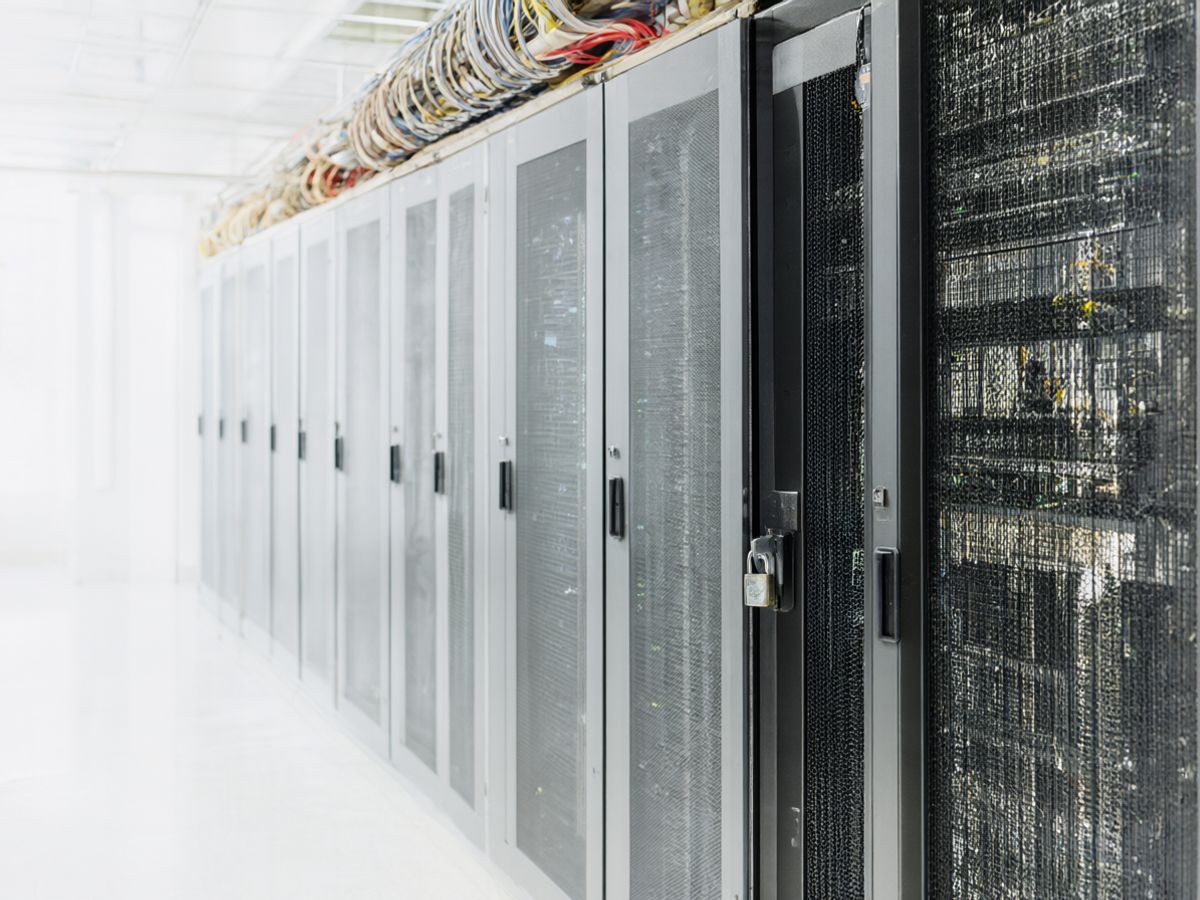
Locked racks in a data centre behind a mesh cage door with a padlock
  • A data centre in Serbia

    Your AI environment sits in a data centre in Serbia. No document, recording or question goes abroad.

  • An encrypted link to you

    The router in your office and our data centre are joined by an encrypted tunnel (WireGuard or IPsec). Nothing travels over the public internet unencrypted.

  • Separate from other clients

    Every client has its own isolated environment and its own keys. Your documents are never mixed with anyone else's.

  • Every access is logged

    Who signed in, what they asked and which document was opened — all of it is logged. You can hand the log to your data protection officer or an inspector.

  • Data processing agreement

    We sign a data processing agreement under GDPR and the Serbian data protection law (ZZPL). It spells out what we may and may not do.

  • No training on your data

    Your documents are never used to train or improve models — ours or anyone else's.

Responsibility for lawful processing stays with you as the controller. We are glad to work with your data protection officer.

What you get

Everything it takes for the AI to work from day one.

All of it is included in the monthly subscription.

  • Router and encrypted link

    A small router in your office, set up and connected to our data centre over an encrypted tunnel.

  • Your private AI environment

    The AI assistant in our data centre in Serbia, yours alone, separate from other clients.

  • Documents and templates loaded

    Your digital archive brought in — PDF, Word and correspondence — and your report, contract and letter templates set up. Scanning a paper archive is a separate, one-time service.

  • Staff training

    A short training session in your office and a one-page guide for every user.

  • Support

    Help by phone and email on working days. We often see and fix link problems before you notice them.

  • Updates, backups and monitoring

    Monthly updates, encrypted backups and 24/7 monitoring — without downtime and without any work on your side.

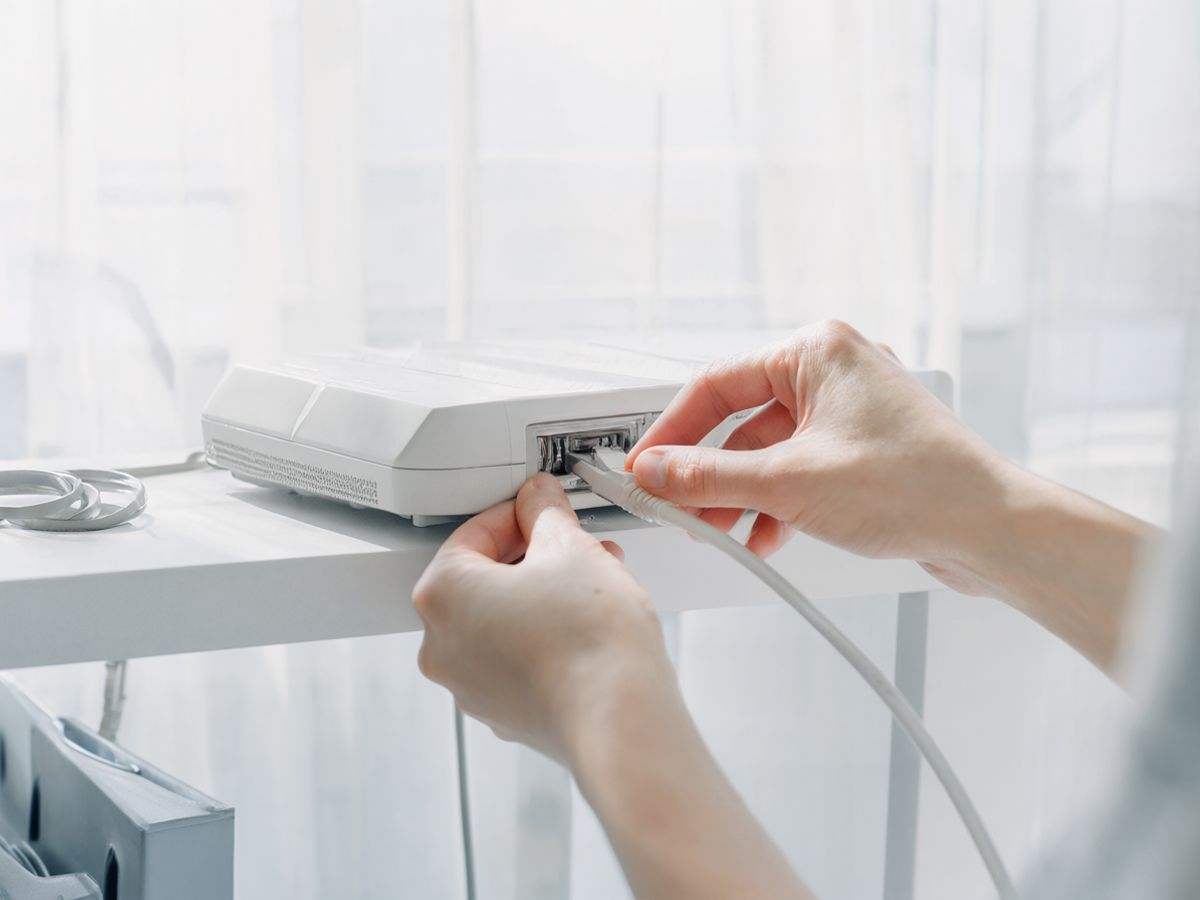
A technician's hands plugging a network cable into a small white router on an office shelf

Pilot

30 days free, with your real documents.

The fastest way to know whether it fits is to try it on your own work.

Length
30 days
Users
Two
Documents
Your real ones
Setup
We plug in the router, about an hour
Price
Free

After 30 days you decide. Either you continue on a monthly subscription, or you stop — we take the router away, delete all your data from the data centre with a written record, and you owe nothing.

All we need from you is a power socket, one free network port and half an hour of your time.

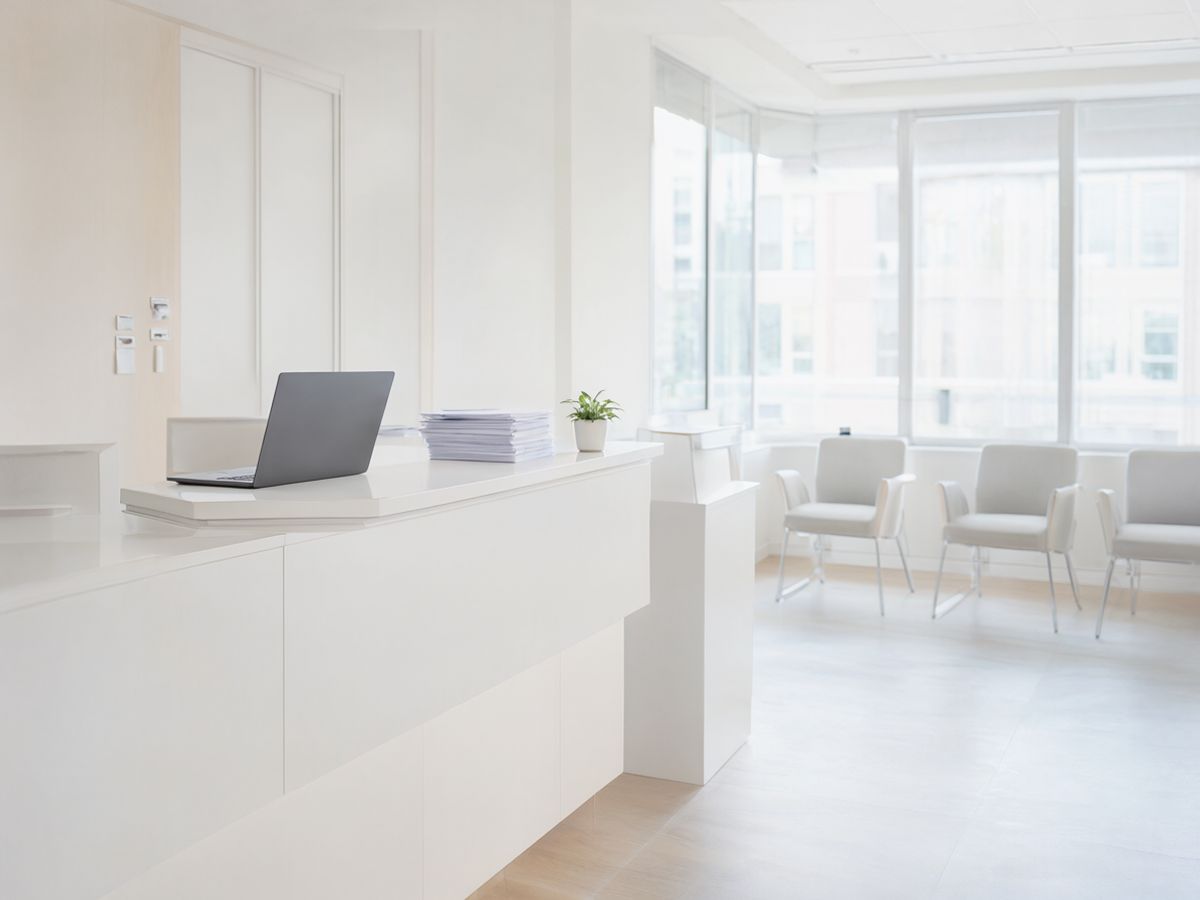
A bright private clinic reception with a white counter and a waiting area

Questions

Frequently asked questions

If your question isn't here, write to us — we answer plainly, without jargon.

Do we need a server?

No. The AI runs in our data centre in Serbia. At your office we install only a small router, which is included in the subscription.

Can it run in our building?

Yes, for larger organisations — hospitals, clinic chains, large law firms and companies with a strict internal policy. That is the enterprise option, with a one-time hardware cost. For a small clinic or law office it doesn't make financial sense.

Does it make mistakes?

It can, like any assistant. That is why every answer shows the document and the passage it came from, so you can check it with one click — and if the answer isn't in your documents, it says so instead of making something up. A person always reviews and signs the report, contract or letter.

Do we have to type in our old records?

No — we scan them. A scanner with an automatic feeder handles 40–60 pages a minute. We start with active patients and cases and the last two to three years, and scanning is a one-time service, separate from the subscription.

Can it read handwriting?

Approximately. Handwritten notes are read by a vision AI model, but not as accurately as print — handwriting is searchable “roughly”. The scanned image always sits next to the text, so you can check the original with one click.

Do we need new software?

No. The assistant runs in the browser on the computers you already have. For dictation we install a small app on a computer or phone — and that's it.

What if the internet goes down?

The assistant is unavailable until the link is back. Dictation is kept on the device and syncs by itself when the link returns, so nothing is lost. The enterprise option in your building works without the internet.

Who sees our data?

Only the users you give access to. Our team accesses your environment only for maintenance, under a data processing agreement and with every access logged.

Can it work with the program we already use?

In most cases, yes — by exporting documents from your program, or through a direct connection if the program supports one. We check this before the pilot, with no obligation.

What does it cost?

A fixed monthly subscription that depends on the number of users and covers everything — the router, your AI environment, backups, updates and support. You get the exact price in writing before the pilot, with no hidden per-question or per-document charges.

How fast is dictation?

The report is ready a few seconds after you finish dictating — faster than typing it. We measure the exact time on your connection during the pilot.

What if we stop?

You get an export of all your documents and templates, and we take the router away and delete your environment from the data centre with a written record.

Try Private AI for a month, on your own work.

We plug in the router in about an hour. If it isn't right for you, we take it away and you owe nothing.