- BGP
- Migrations
- MikroTik
- Juniper
Migrating the BGP edge without downtime
How to replace edge routers and move BGP sessions in a live operator network without customers noticing. The plan, the order and the rollback.
- Published
- min read
- 3 min read
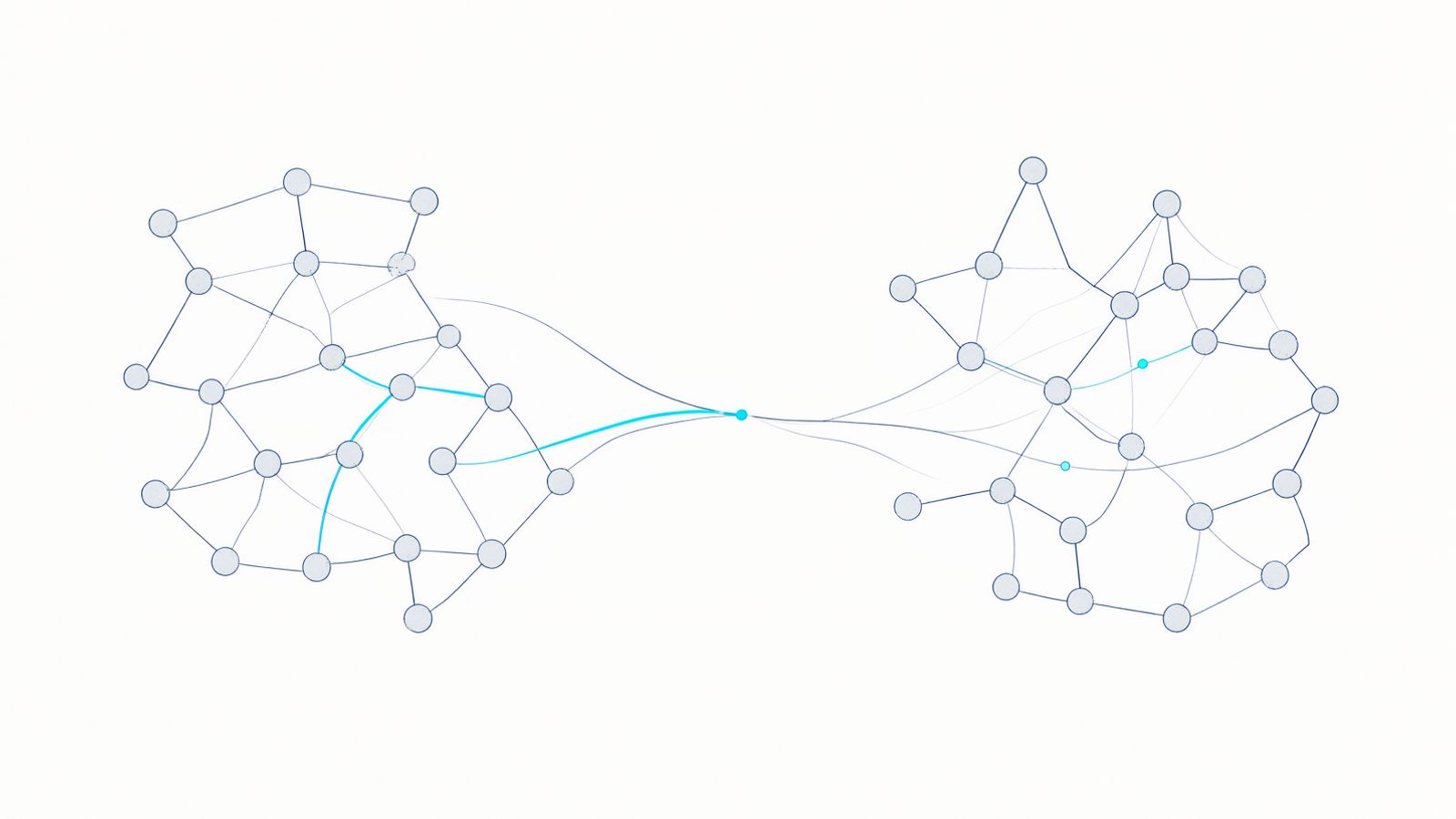
Replacing edge routers is one of the few jobs in an operator network where a five-minute mistake takes the whole network offline. The good news: almost every BGP migration can be done without an outage customers notice — if it is planned as a series of small, reversible steps.
Why migrations break
Most problems don’t come from BGP itself, but from what gets forgotten:
- filters that exist only on the old router and were never documented,
- static routes added “temporarily” years ago,
- dependencies on the old router in monitoring, DNS or VPNs,
- and a rollback plan that exists only in someone’s head.
That is why the first phase is never configuring the new router — it is taking a baseline of the old one.
Baseline before any change
Before the migration we record:
- Every BGP session — neighbours, state, prefixes received and advertised.
- Inbound and outbound policy — what we accept, what we advertise, with which attributes.
- The routing table — total routes and default routes per VRF.
- Traffic per link — so we know afterwards whether the flow has changed.
This data becomes the success criterion: after every step, prefixes received and advertised must match the baseline.
An order that protects traffic
The core idea: the new router takes traffic gradually, while the old one still holds the backup path.
- New router in the network, no traffic. It is connected to the core, has iBGP sessions and sees every route, but advertises nothing externally.
- First eBGP session at lower preference. The new router advertises prefixes to one upstream, but with a prepended AS path, so traffic still takes the old path.
- Verify. Compare prefixes with the baseline and check inbound traffic on the new link.
- Swap preference. Remove the prepend on the new router and add it on the old one. Traffic moves over gradually as routes propagate.
- Repeat for every upstream link, one at a time.
- Shut the old sessions only once all traffic has been stable on the new router for a few days.
The rollback plan must be written down
For each step we write down in advance:
- what success looks like (prefix counts, traffic, latency),
- how long we wait before deciding,
- the exact commands to roll back.
If the criterion isn’t met, we roll back without debate and analyse later. The most expensive mistake in a migration is trying to fix a problem on the spot, in a maintenance window that is running out.
After the migration
A migration doesn’t end when traffic moves to the new router. It ends when:
- configs are in git, with every policy described,
- monitoring has moved to the new devices and sessions,
- the old router is gone from documentation, DNS and monitoring,
- the team has walked through the new configuration.
Only then is the network truly yours — not just working.